
Book more jobs.
Run every crew.
Get paid faster.
ScheduleDrop is the all-in-one system for home service businesses — booking, your team, every customer reply, and payments in one place, from the first call to the five-star review.
Billed every four weeks · Setup done for you · No setup fee
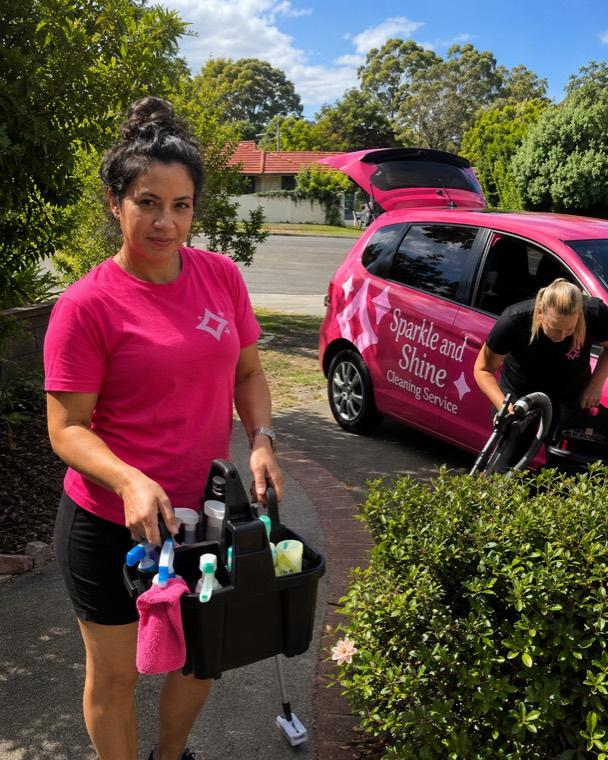

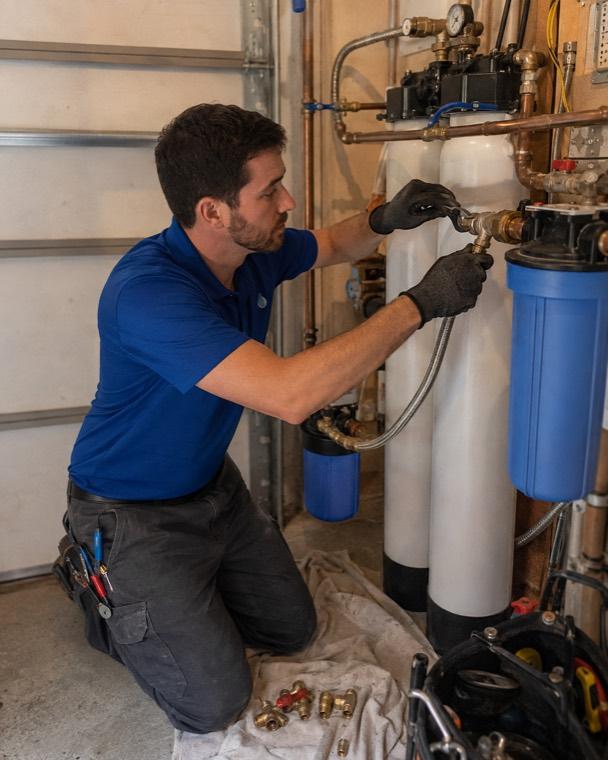
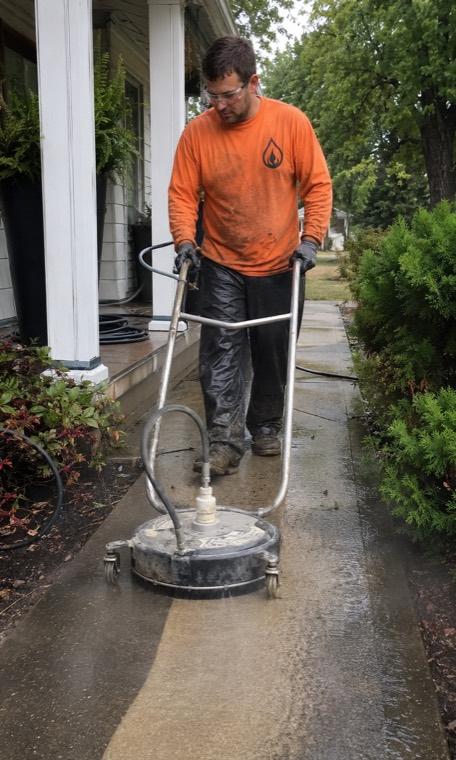
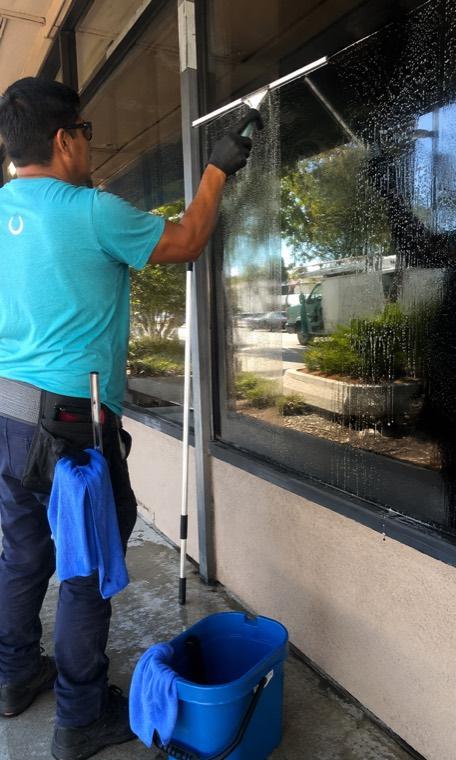
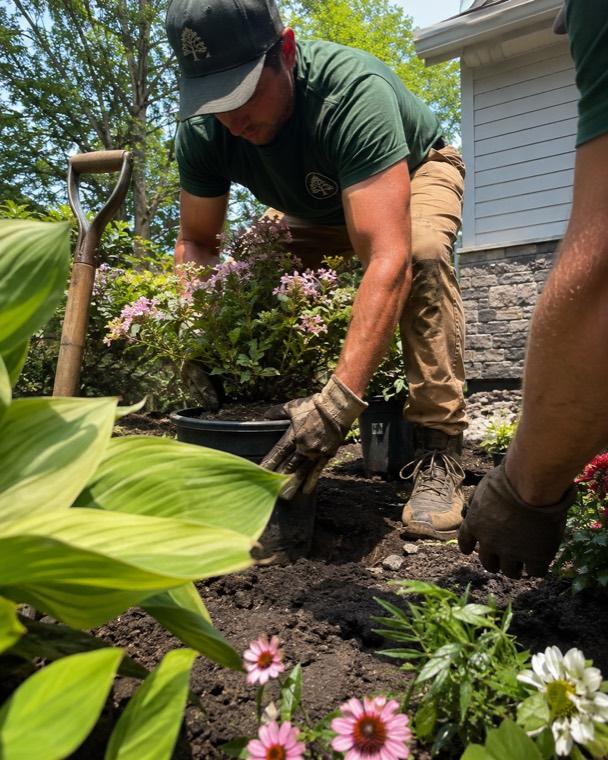
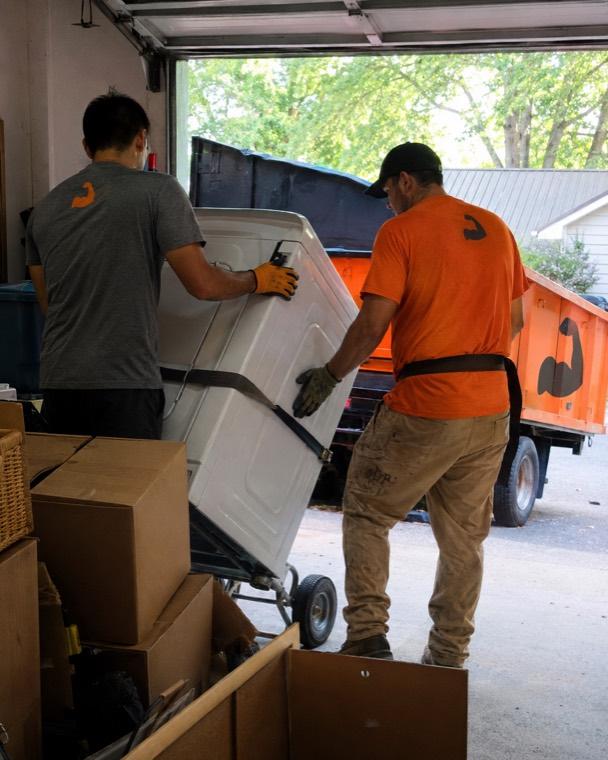
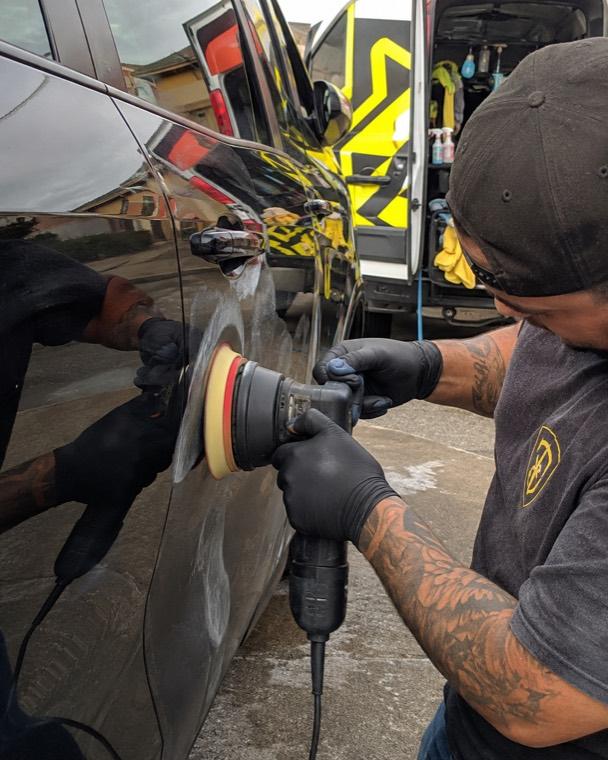
- 300+
- home service businesses
- 13+
- trades served
- Rated 5 out of 5
- loved by owners
- 14 days
- free trial
- Done for you
- setup & migration
Real operators, real results
Don't take our word for it
Home service owners on what changed after switching to ScheduleDrop.
Swipe to see more →
How ScheduleDrop works
From booking to paid — without the busywork
Here's the whole job, end to end. Every step happens in one system, and most of it runs itself.
Your customer books online
A branded booking form turns visitors into booked jobs 24/7 — with the service, address, and time captured upfront, no phone tag.
Create Booking
Branded online booking · takes ~30 seconds
Track your team in real time
See who's where with live GPS, and the customer automatically gets an on-the-way alert with an ETA.
Provider Activity Logs
Live check-in activity & timestamps for this booking.
On the way
06/15/2026 · 7:59 AM
26.6078, -80.0893
Job started
06/15/2026 · 8:51 AM
26.7615, -80.0815
Job ended
06/15/2026 · 12:08 PM
26.7613, -80.0816
Get paid automatically
Capture a card on file up front and charge it the moment the job's done — no chasing invoices after the fact.
Payment
Job in progress
Card on file · Visa ending 4242
Review links sent
When the job is complete, your customer receives a direct link to leave a review — without your team having to remember.
Built for the moments that slow you down
The work keeps moving, even when you're on a job
ScheduleDrop connects the handoffs between your office, your crew, and your customers—so one update moves the whole job forward.
Fill an open job
One send. The right crew member takes it.
ScheduleBlast sends the job to the providers you choose. The first one to accept is assigned automatically, without a day of individual texts.
- ✓Choose who receives the job and how they'll be paid
- ✓See delivery and acceptance as it happens
- ✓Keep the assignment attached to the booking
Schedule Blast
Send job details to multiple providers at once
Apply payment to all providers
Keep every reply together
The whole conversation, not another inbox.
Customer and crew replies, automated messages, emails, and call context stay with the conversation, where the office can act on them.
- ✓See what was sent and whether it was automated
- ✓Reply with the customer and booking context in view
- ✓Keep office communication in one shared place
Jordan Avery
Can you come Friday instead?
Taylor Brooks
Sounds good, thank you!
Casey Morgan
See you then 👍
Jordan Avery
(555) 010-2384 · jordan@email.com
Setup is included
We help build the account with you.
No setup fee, whether you're moving from another platform or starting from scratch.
- Step 1
Meet your account executive
Walk through your services, team, schedule, and current setup.
- Step 2
We move and configure it
We transfer customers, bookings, and providers, then set up your account settings.
- Step 3
Review it together
Use your onboarding call to make sure the business is ready to run in ScheduleDrop.
Two connected apps
One app for you. One app for your crew.
The office and the field work from the same booking, so job details, customer updates, assignments, and progress stay connected.
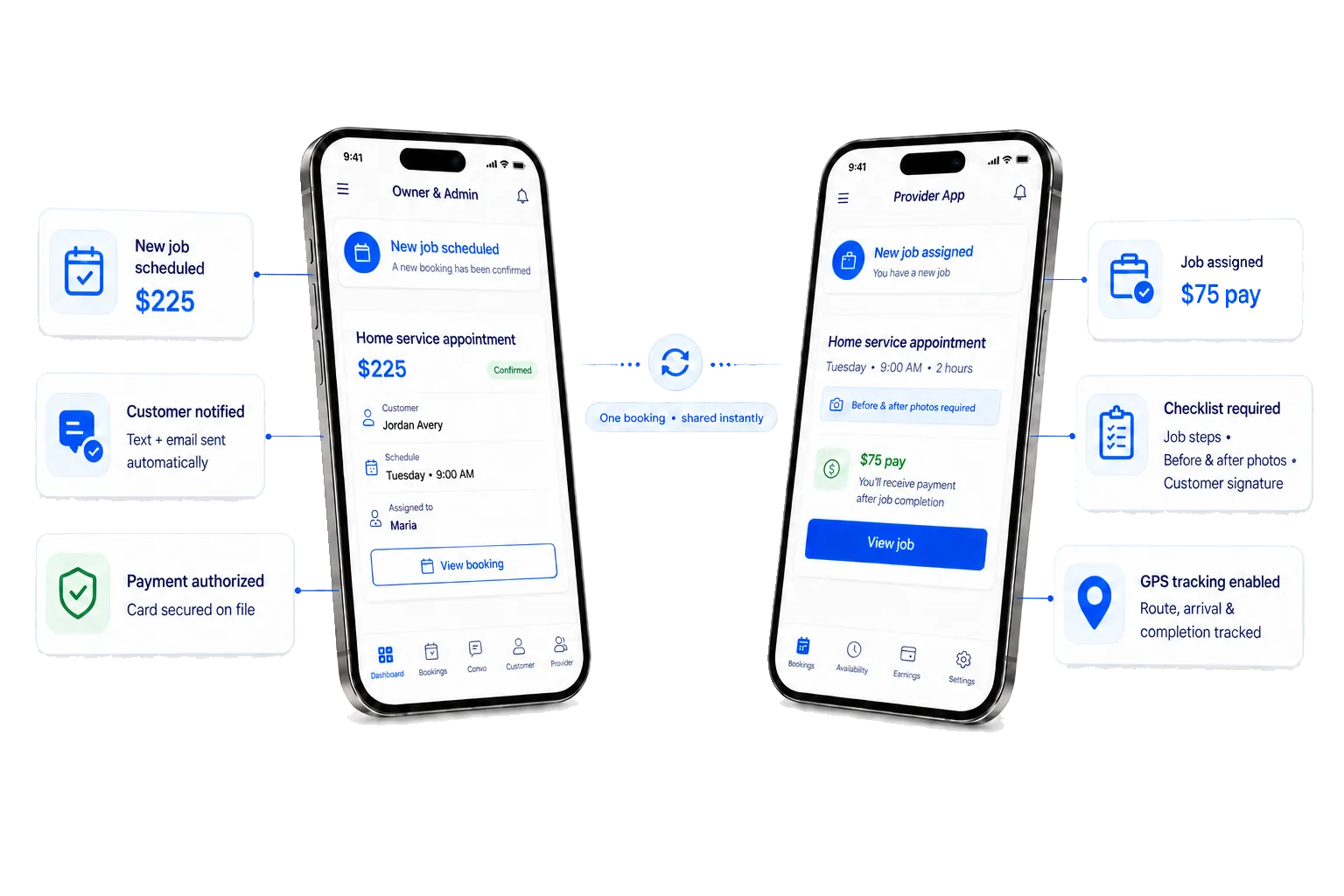
For owners and admins
Run the office from anywhere
- Book, schedule, and assign jobs
- Keep customer updates together
- Secure cards and collect payment
For your crew
Give the team a clear next step
- See the job, address, and schedule
- Follow checklists and attach photos
- Clock in, navigate, and track progress
Updates move with the job
When the booking changes, the right customer and crew updates can go out automatically.
One platform, every trade
Made for home service businesses like yours
Built by operators who ran these businesses. Find your trade and get going.
Questions
Everything you might be wondering
Can't find it here? We're a text away.
Who is ScheduleDrop for?
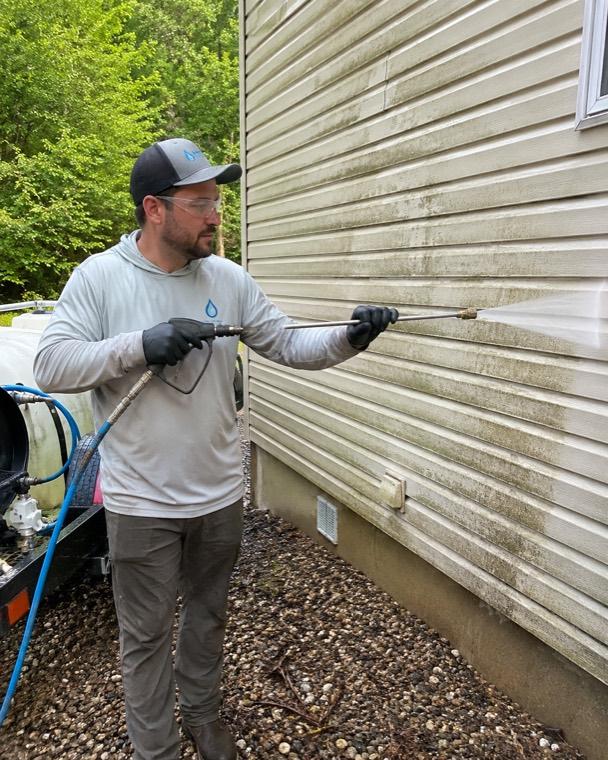
Home service business owners — cleaning, pressure washing, landscaping, pest control, auto detailing, and more.
How much does it cost?
Plans are based on team size and billed every four weeks. Every plan includes the full platform — you only move up as your crew grows, never to unlock features.
Can you move my data over from my current tool?
Yes. We handle the migration of your customers, bookings, and providers, then help make sure your account settings are configured properly — with no setup fee.
How does setup work?
You can schedule an onboarding call with your account executive. Whether you're migrating or starting from scratch, we'll help configure the account and review the setup with you. There is no setup fee.
Is there an app for my crew?
Two apps: one for owners and admins to run the office, and one for the crew — with clock in/out and GPS built in, so they see where to go without texting you.
Is there a free trial?
Yes — a 14-day free trial, and we set it up with you so you're booking jobs from day one.
Still have questions? Talk to us →
Get started
Ready to run your business from one place?
Start your 14-day free trial, then schedule an onboarding call with your account executive.
Billed every four weeks Setup done for you No setup fee