
Run it
See every job and update the schedule in seconds
See every job, spot openings, and adjust the day from one shared calendar. When the schedule changes, your team and customer stay in sync.
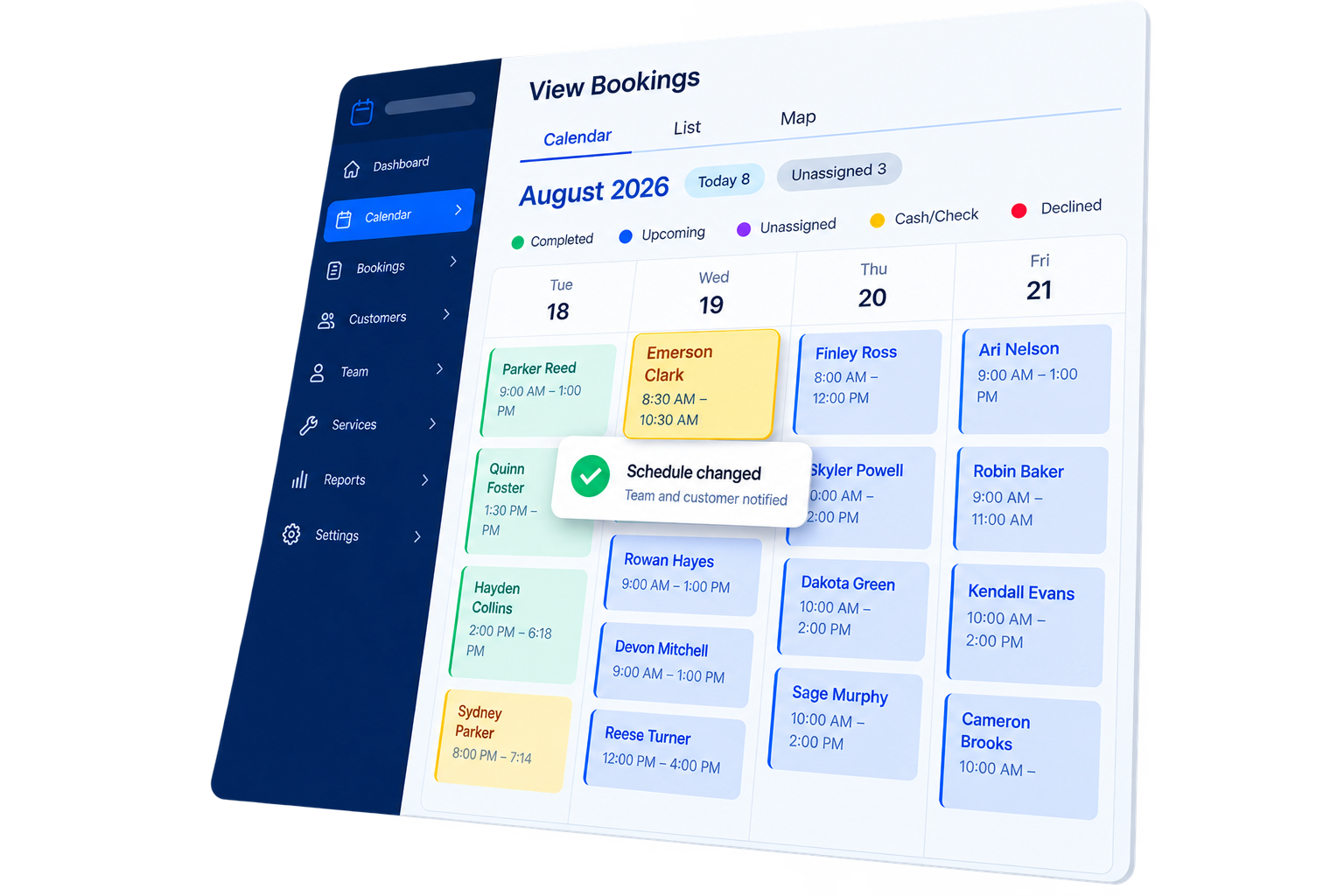
One shared calendar
See booked, open, and unassigned work together.
Fast changes
Move a job without rebuilding the day around it.
Automatic updates
Keep your crew and customers informed as plans change.
Fill the schedule
Book empty time slots
See where each provider has room, then place new work in the open time. Day, week, and month views make the available hours easy to find.
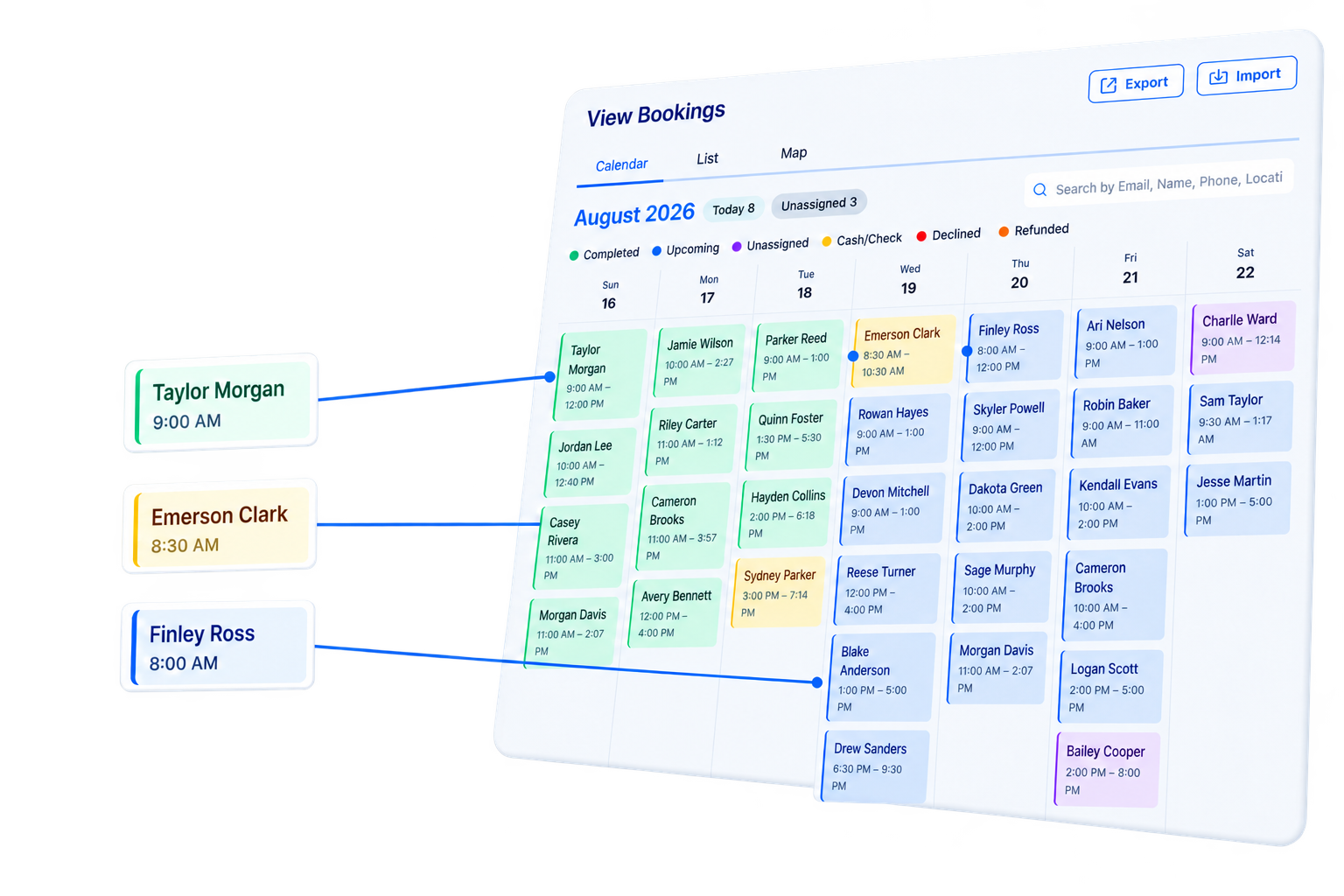
Send the updates
Notify your team and customers
When you assign or move a job, ScheduleDrop can notify the provider and customer automatically. You control the wording of every notification.
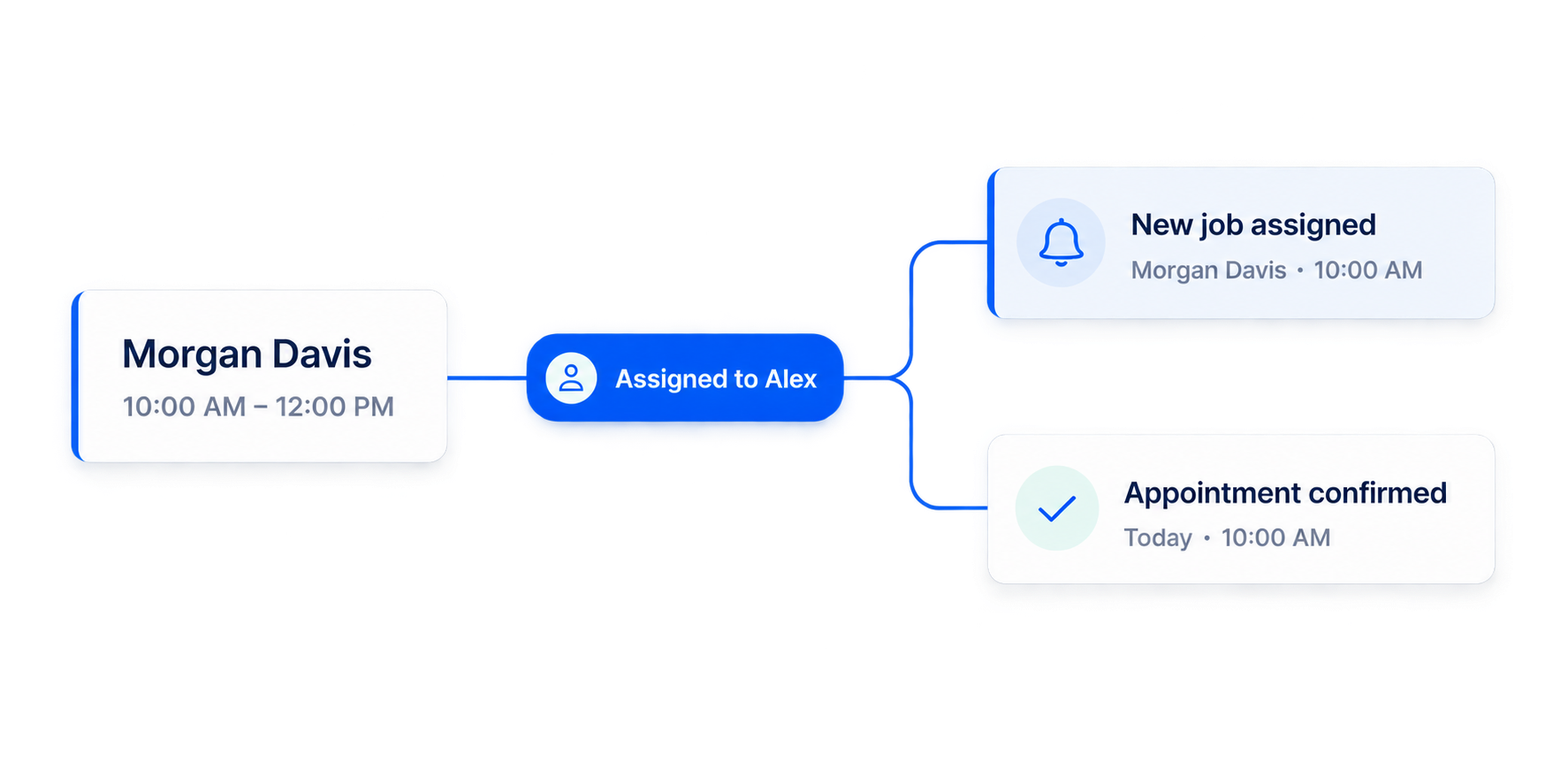
Change the schedule
Move jobs and update everyone
Move a booking to a new time or provider from the shared calendar. The office sees the new plan, and the right provider and customer updates can go out automatically.
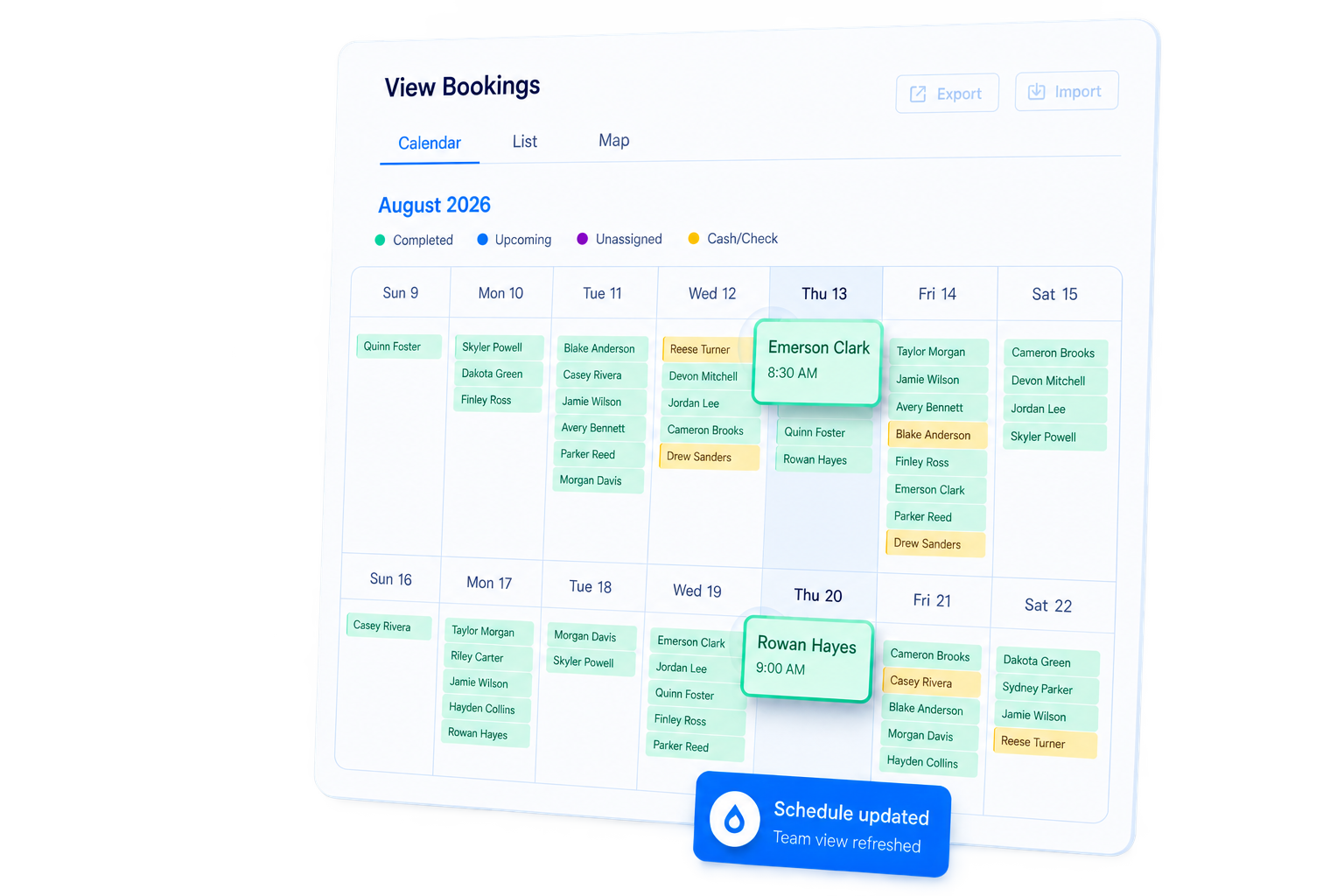
See your own schedule in ScheduleDrop
Book a demo and we’ll show you how jobs, providers, openings, and updates come together in one calendar.
Questions
Scheduling & calendar — common questions
Can I see more than one calendar view?
Yes. ScheduleDrop includes calendar, list, and map views, with day, week, and month controls for planning at different levels.
What happens when I move or reassign a job?
The shared schedule updates, and the relevant provider and customer notifications can be sent automatically.
Can I customize scheduling notifications?
Yes. Customer and provider notification wording is fully customizable so the updates match your business.
Related features
Get started
See your schedule in one place
Book a demo or start your 14-day free trial. We’ll help set up your services, team, and existing bookings.
Billed every four weeks Setup done for you No setup fee